Registre un negocio, aumente su nivel de verificación y cree Checkify Passes para los sitios donde sus usuarios necesitan demostrar confianza.
Every new business receives 100 free credits when you register. Use them for verifications before you need to buy more or enable overflow billing.
By selecting overflow billing, you will only be charged once your free 100 credits have been used up. You can cancel your subscription at any time.
Install the Checkify app, create your identity, then follow these steps in Settings. The same business account also works on checkify.me.
Paso 1
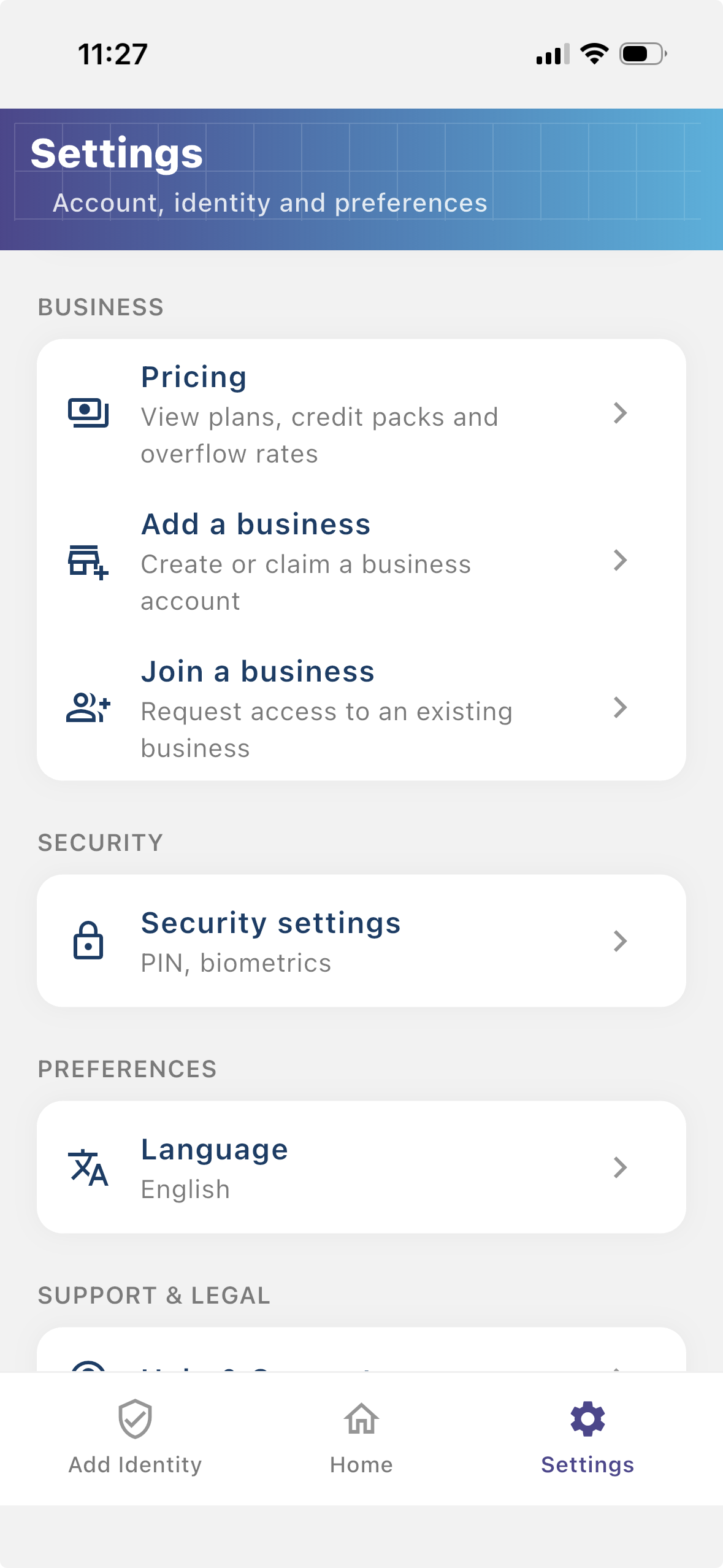
Registre su empresa para que los usuarios puedan ver quién solicita verificación. Una empresa registrada brinda a sus flujos Checkify más contexto y ayuda a generar confianza con los usuarios.
Paso 2
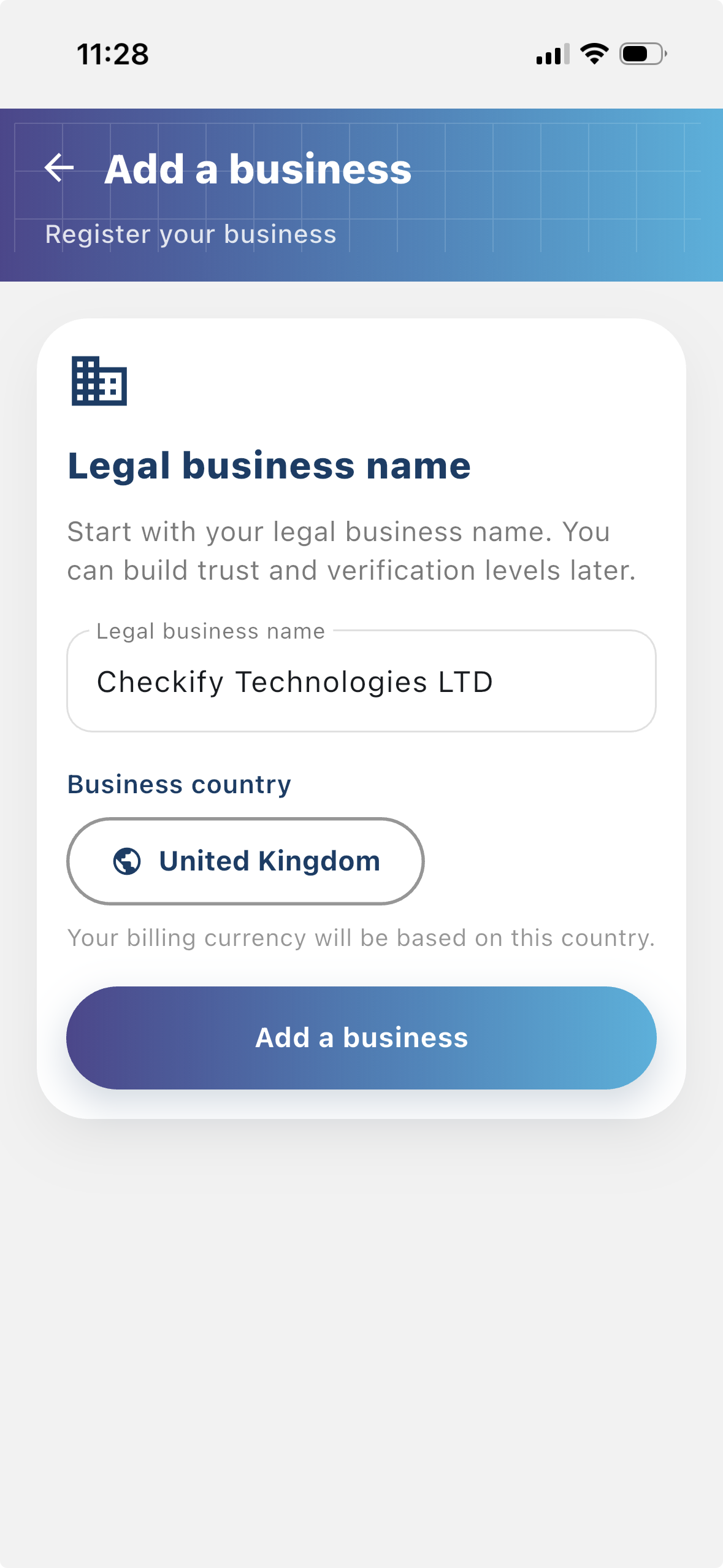
Un sitio es donde se crean y utilizan Checkify Passes. Puede ser un sitio web, una aplicación, un flujo de pago, un flujo de reservas, un lugar físico, un mostrador de recepción, un mostrador u otra ubicación del mundo real.
Paso 3
Un Checkify Pass es la solicitud de prueba que crea para un sitio. Define lo que desea que el usuario demuestre, como verificación humana, mayor de 18 años o aprobación de una acción específica.
From the business menu you can:
Paso 4
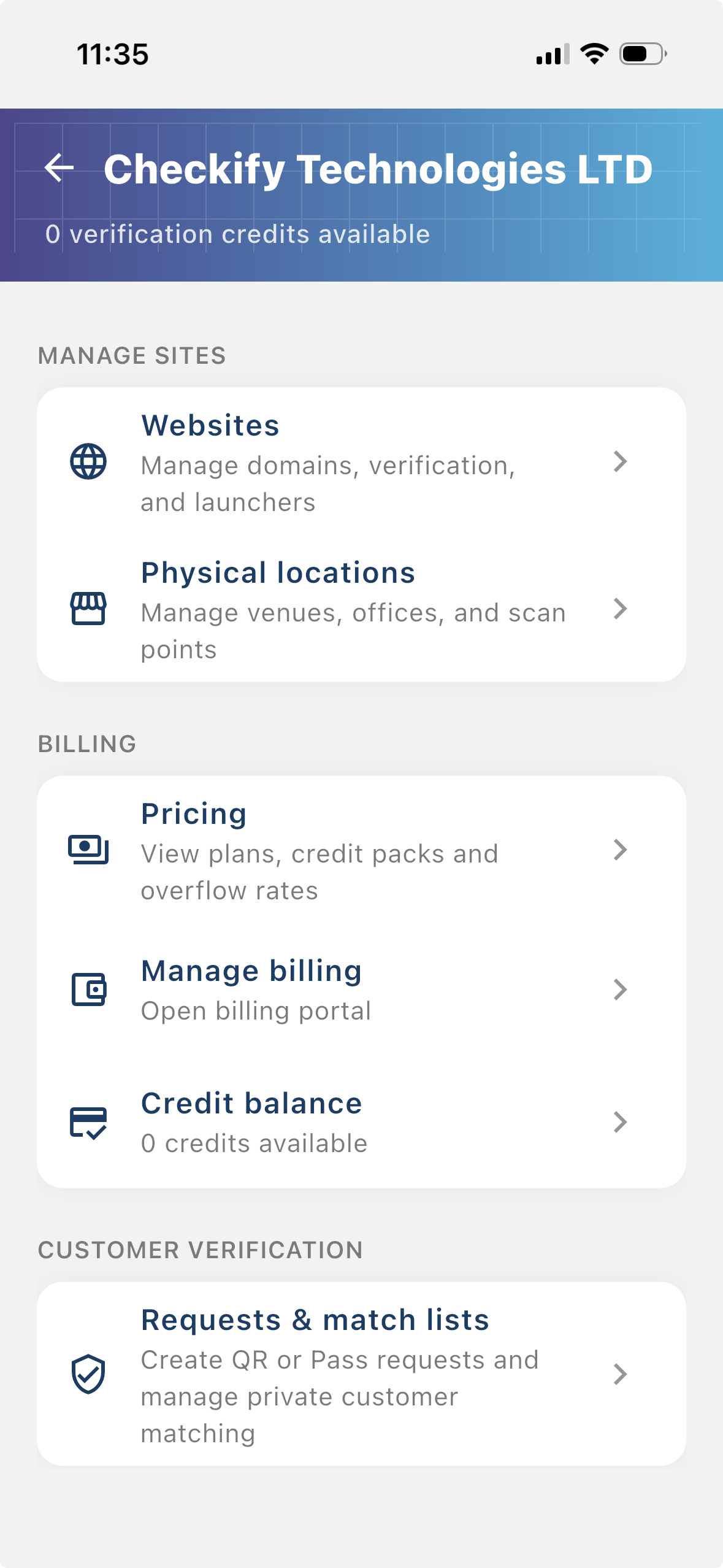
Go to Settings → Manage sites. Here you add websites, apps, or physical locations where Checkify Passes will be used.
Paso 5
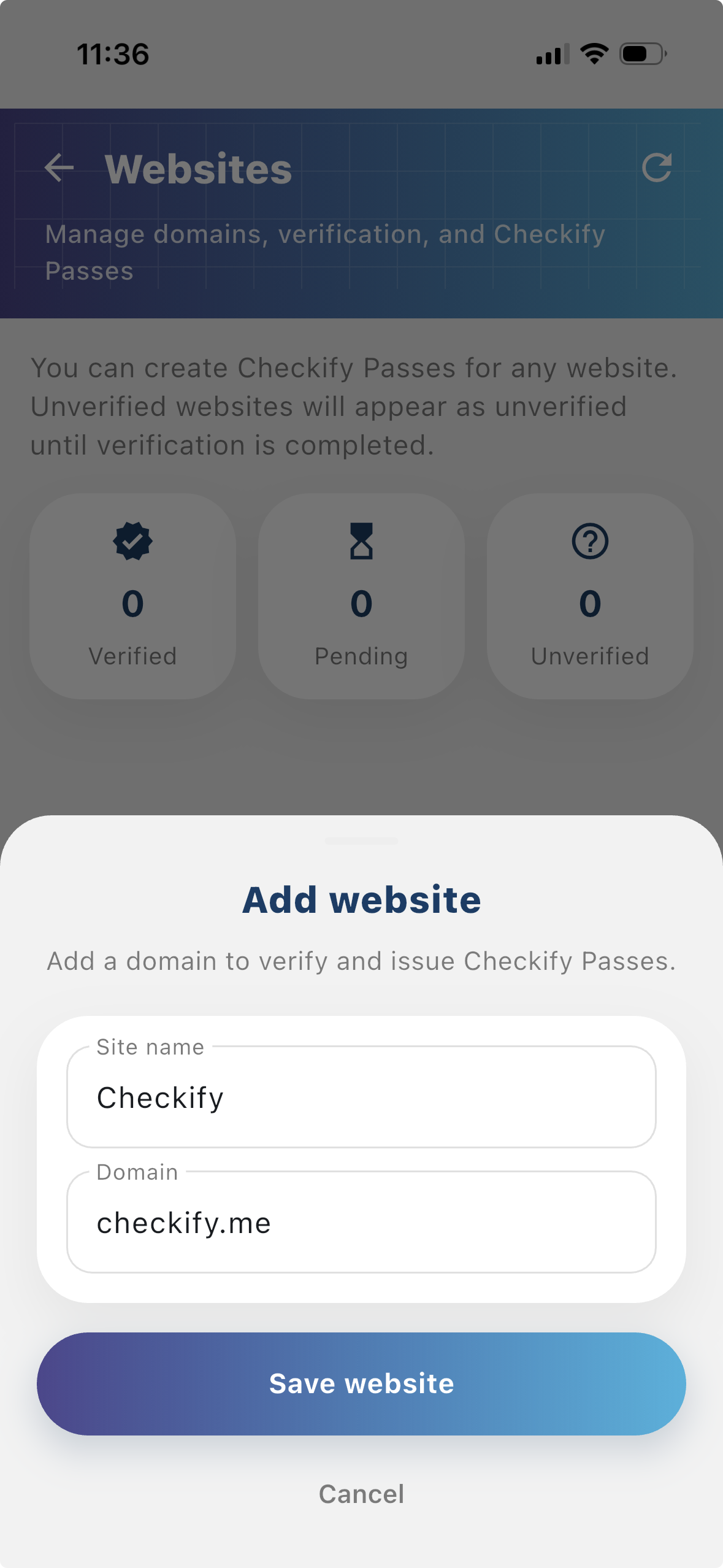
Tap to add a website or physical location. Checkify auto-provisions one Pass per site. If this is your first site, choose overflow billing and save a card when prompted — you are only charged after your free 100 credits are used up.
New businesses get 100 free credits on sign-up. These are applied automatically when your business is created.
By selecting overflow billing, you will only be charged once your free 100 credits have been used up. You can cancel your subscription at any time.
You can also register at checkify.me, sign in with the app, and manage sites from the business dashboard. The app setup above is the fastest path for most teams.
Register on checkify.me →Comience con un sitio, una solicitud de prueba y un flujo de negocios. Luego aumente su nivel de confianza empresarial a medida que crece.